Your team, roles, settings and your own domain
Invite your team as owners, managers or staff, set up your company profile, terms and payments, and connect your own domain.
SaaSGarage is built for a team, not just for the owner. Here is how you set it up.
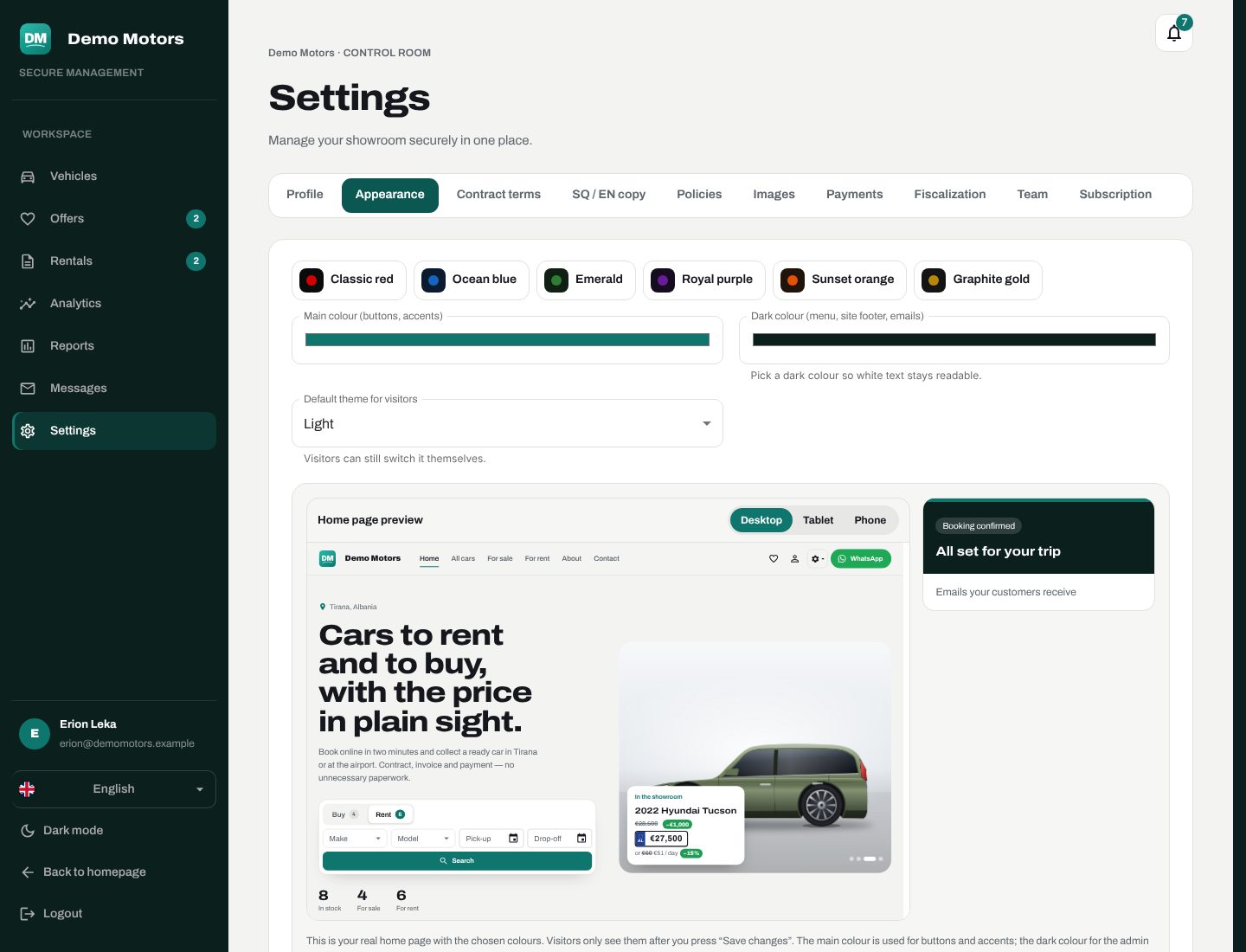
Roles
Invite people by email and give each one a role:
| Role | Typical use |
|---|---|
| Owner | Everything, including subscription, payments setup and the team |
| Manager | Day-to-day running: rentals, payments, cars, reports |
| Staff | Handovers, returns, requests and messages |
Each area of the admin — inventory, requests, rentals, finance, analytics, refunds — has its own permission, and every request is checked against the person's current role. Your team signs in with Google.
Settings
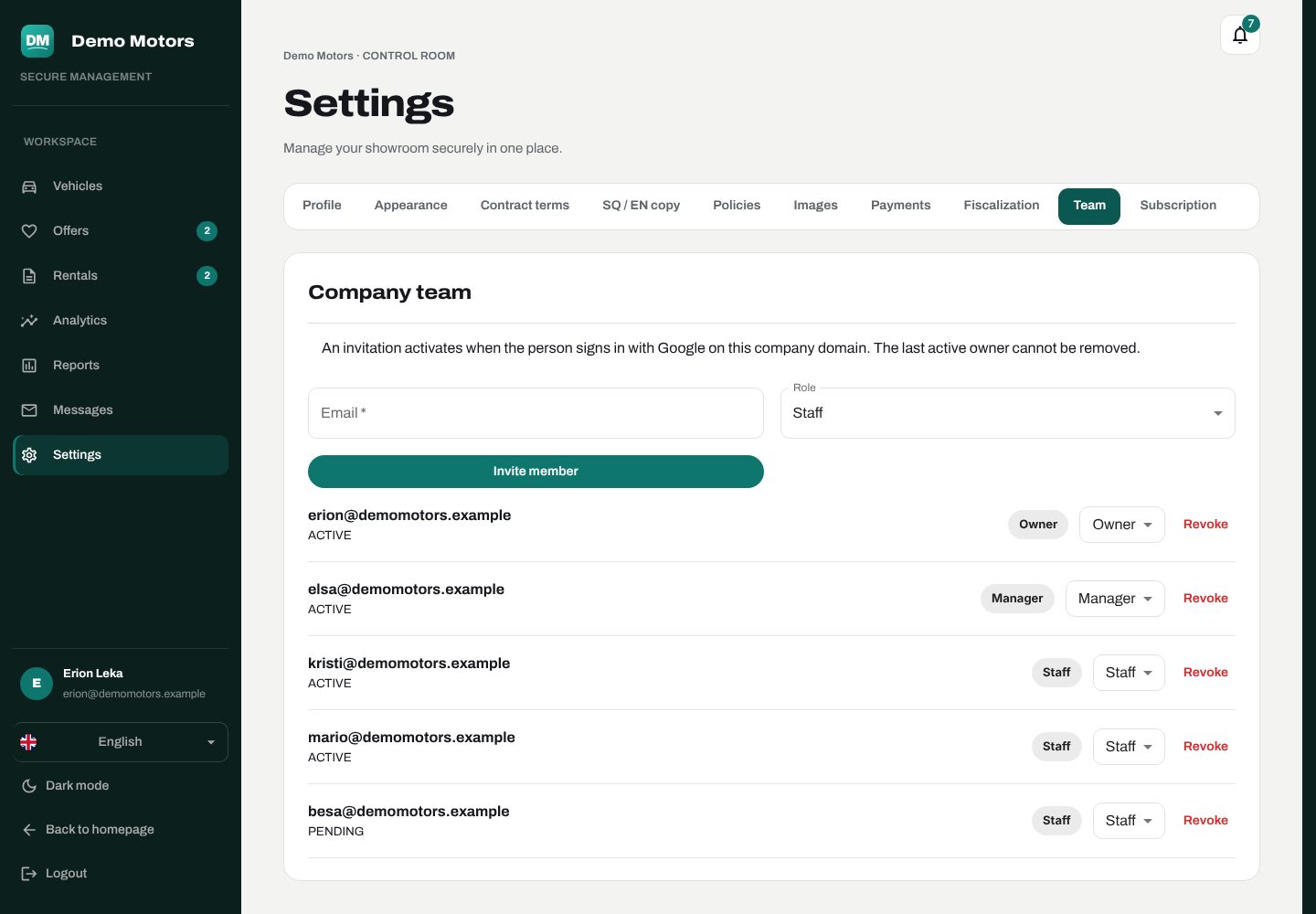
- Company profile — name, phone, WhatsApp, email, address, social links.
- Look — colours and theme, logo and images, with a live preview for phone, tablet and desktop.
- Texts in Albanian and English.
- Contract terms, reservation and cancellation policies.
- Payments — your Paysera keys (stored encrypted).
- Fiscalization — your certificate (stored encrypted) and codes.
- Subscription — your plan, dates, usage and payments.
Your own domain
Every company starts on its own address on the platform. On the Business plan you can connect your own domain, and the certificate is issued automatically.
Notifications
The admin has its own notification centre: new bookings, offers, messages, upcoming deadlines and subscription reminders all show up there — and the important ones arrive by email too.