Analytics and reports your accountant will thank you for
Payments per period net of refunds, occupancy, views and clicks per car, a yearly report, and CSV and Excel exports.
Good decisions need honest numbers. The analytics in SaaSGarage are built to be exact rather than flattering.
What you can see
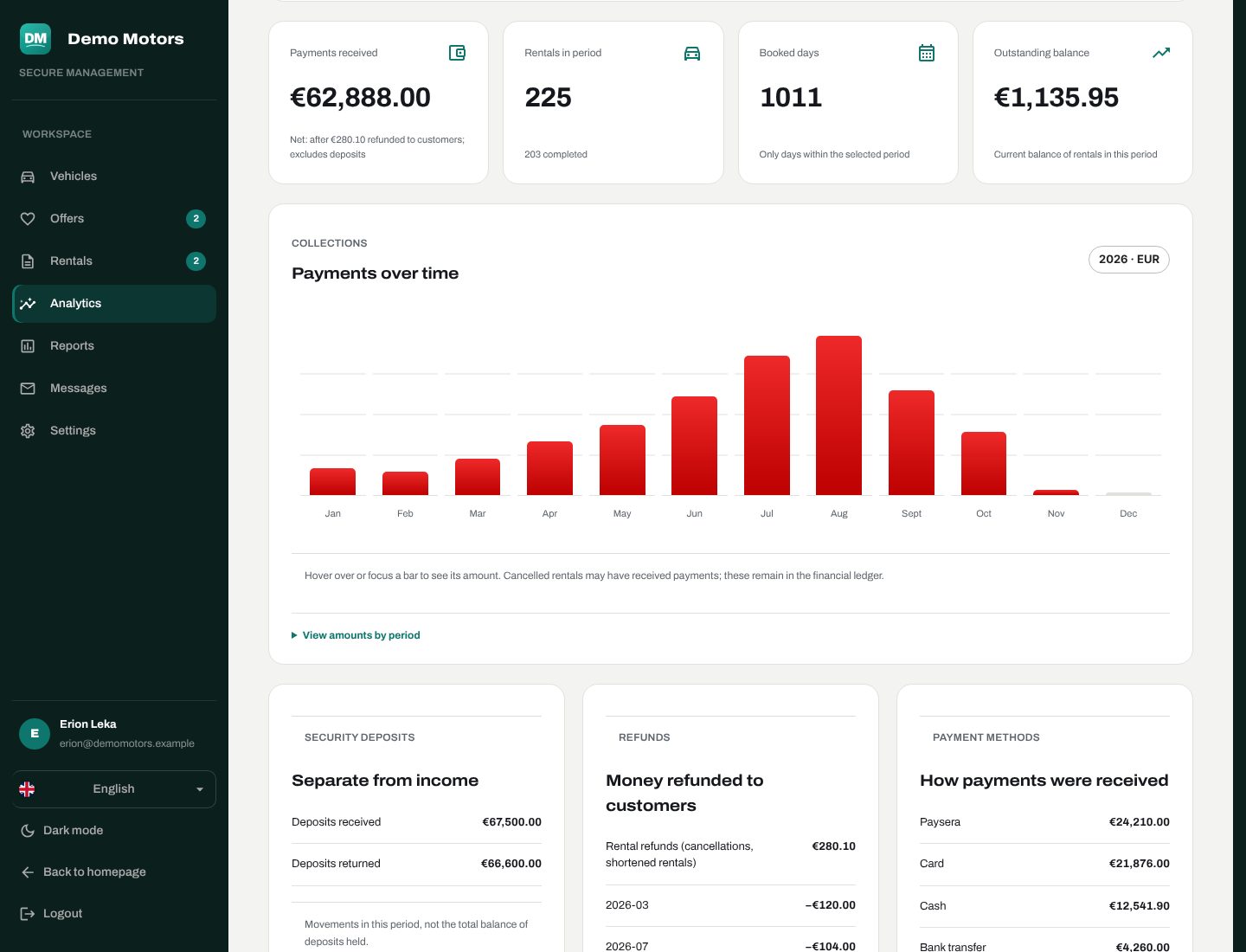
- Payments per period, net of refunds, by year, month, car and currency.
- Occupancy: rentals and booked days per car.
- Interest: how many times each car was viewed and clicked each month — so you know which listings attract people and which need better photos or a better price.
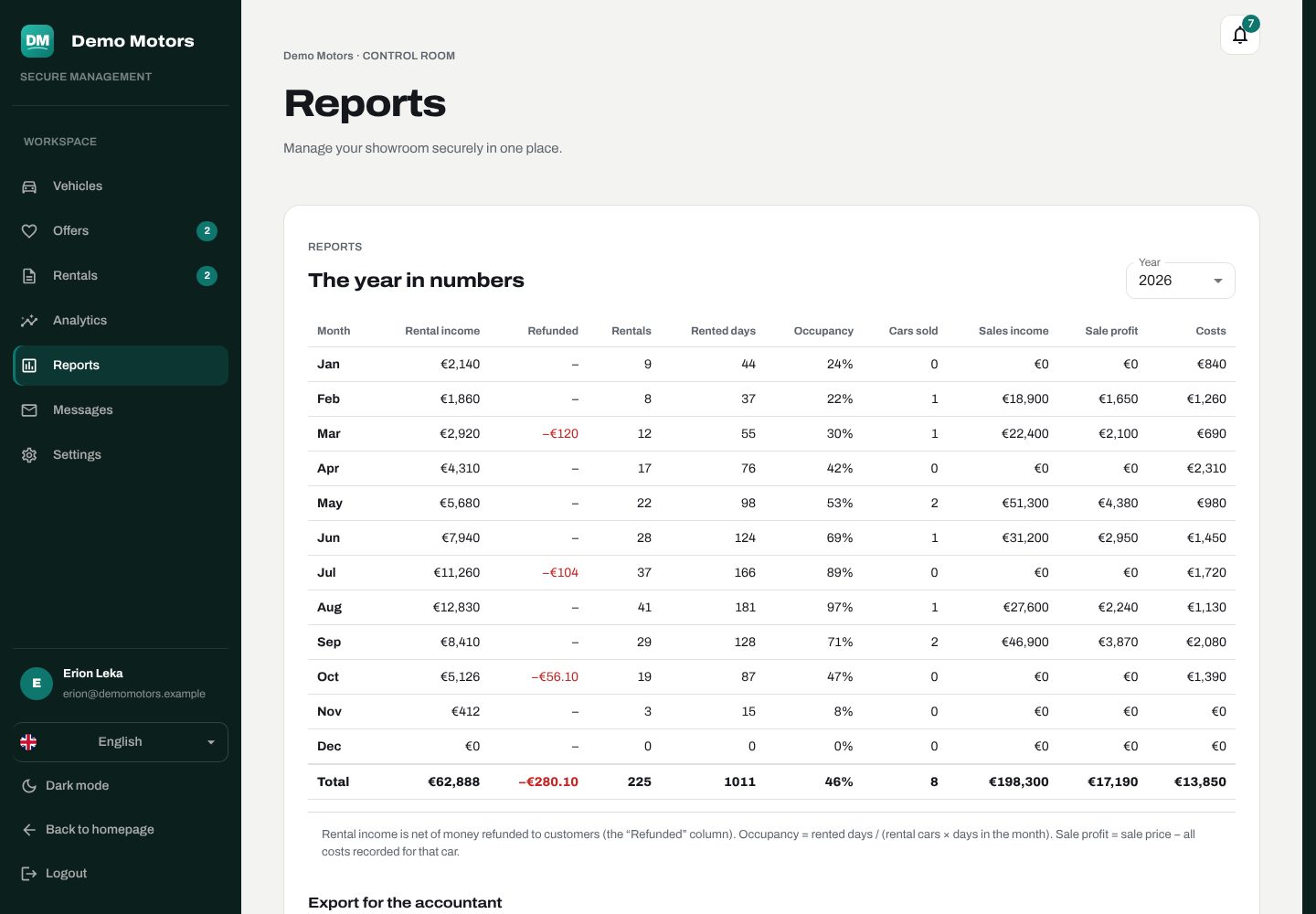
- A yearly report of the whole business.
How the figures are counted
We'd rather tell you exactly what a number means:
- Receipts only include payments that were actually paid, dated by when they were paid (Tirana time). Pending, failed or cancelled payments are left out.
- Deposits and their refunds are shown on their own lines — they aren't income.
- Different currencies are never added together and nothing is silently converted.
- Booked days count confirmed bookings in the period; requests that were never confirmed don't count.
Exports
- CSV exports for your accountant.
- An Excel export for your own analysis.
Every list is fast
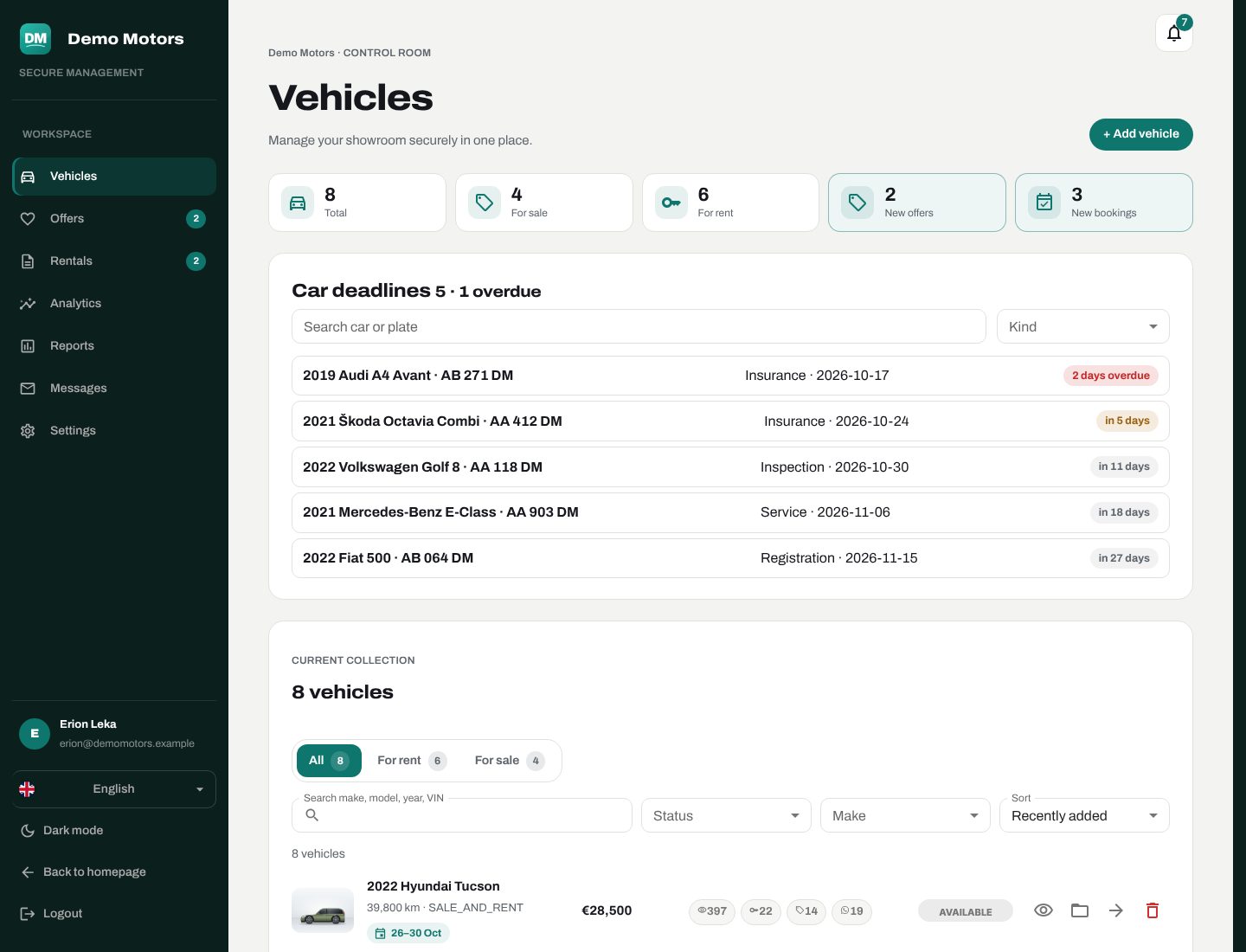
Requests, active rentals, history, offers, messages, cars and deadlines — every admin list is filtered, searched and paged in the database, and loads more rows as you scroll. Years of history don't slow the admin down.
Plan: reports and analytics are part of the Business plan.